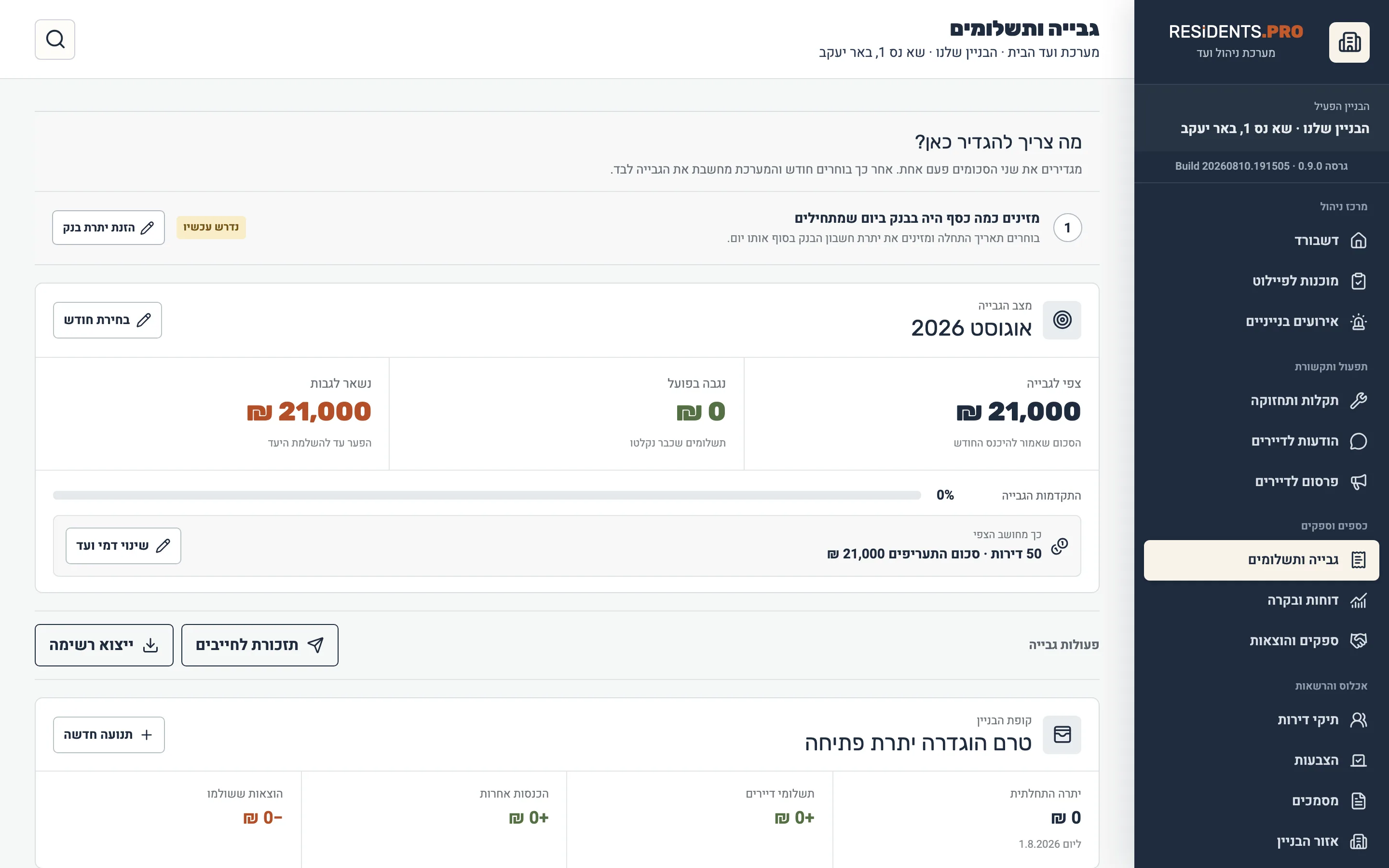
A fee per apartment, monthly charges, the treasury balance, open debts and payment reminders.
Building management — without Excel files or WhatsApp groups
Your building,properly run
Dues, vendors, maintenance, votes and documents — all in one place, with a full trail. Committee members see the whole picture; each resident sees only what concerns them.
- 6 domains in one system
- every money operation recorded
- separate rights for residents and committee members
- full Hebrew and RTL support
Not a task list — a system that holds a building’s whole life cycle.
A vendor register, invoices, payment terms, contracts and what was actually paid.
A resident opens a request, the committee works it, and everything is logged — status and handling times included.
Resident votes, one vote per apartment, transparent results and a full record of every decision.
Announcements, read receipts, building documents and secured file access.
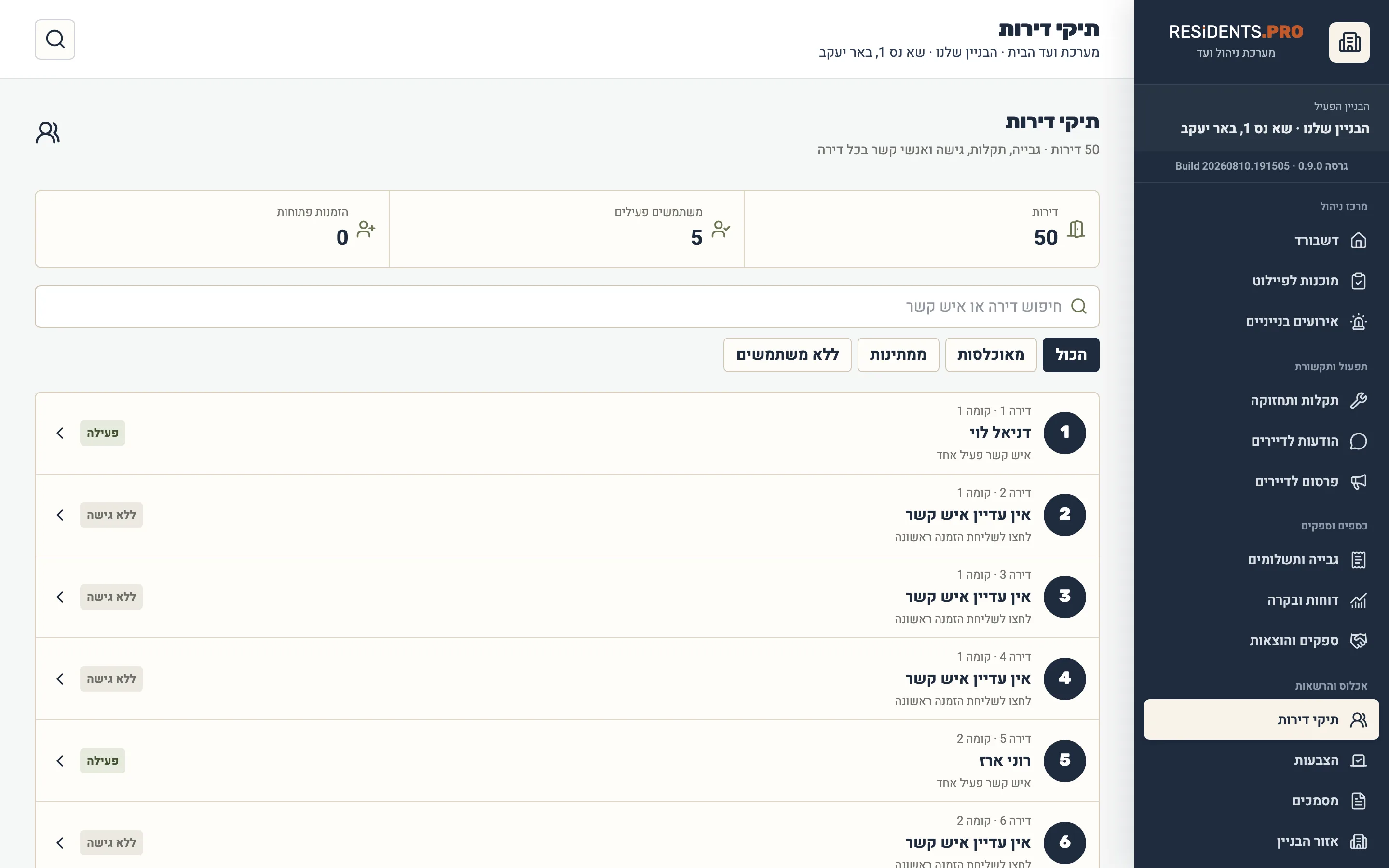
Resident directory, trusted tradespeople, noticeboard, parking management and chat between residents.
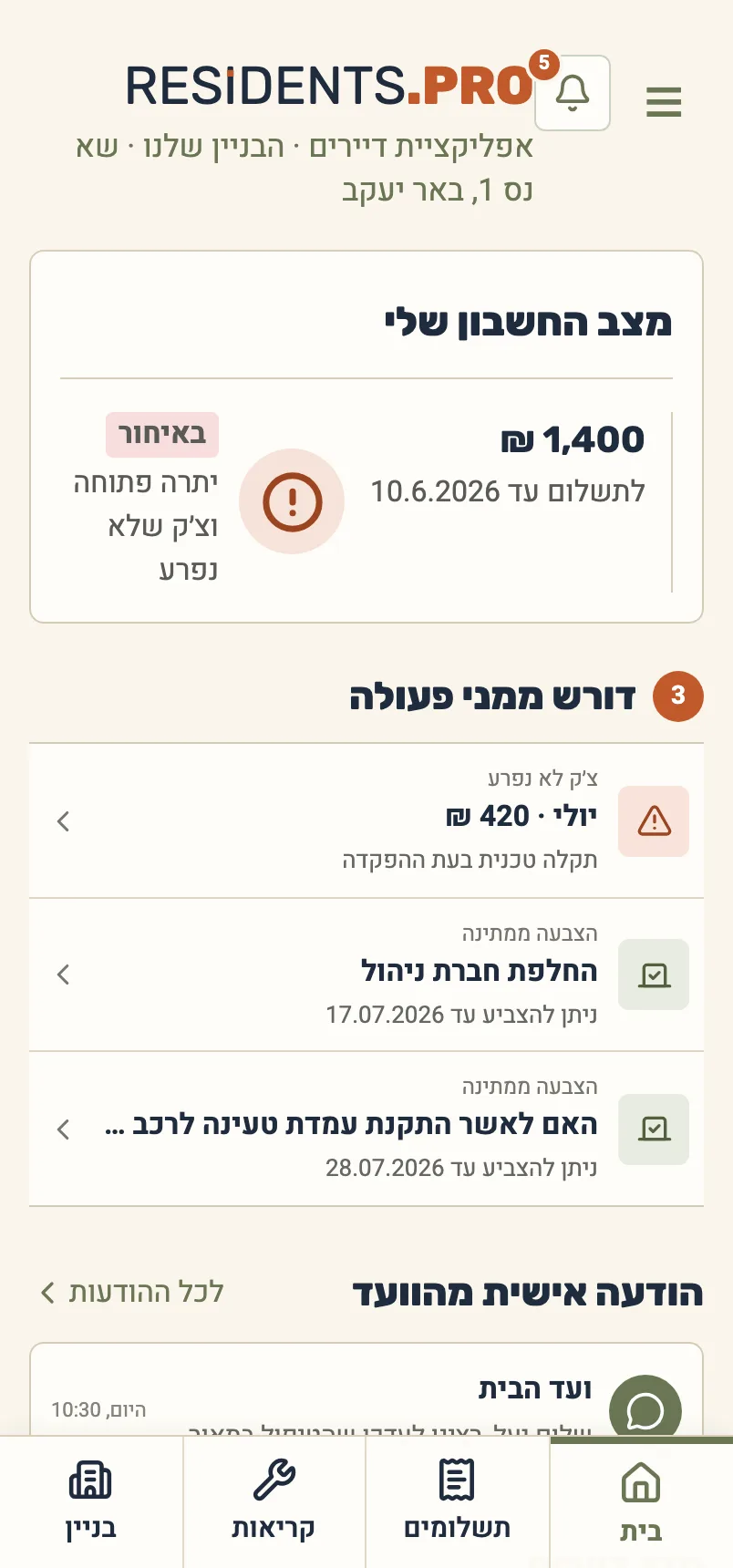
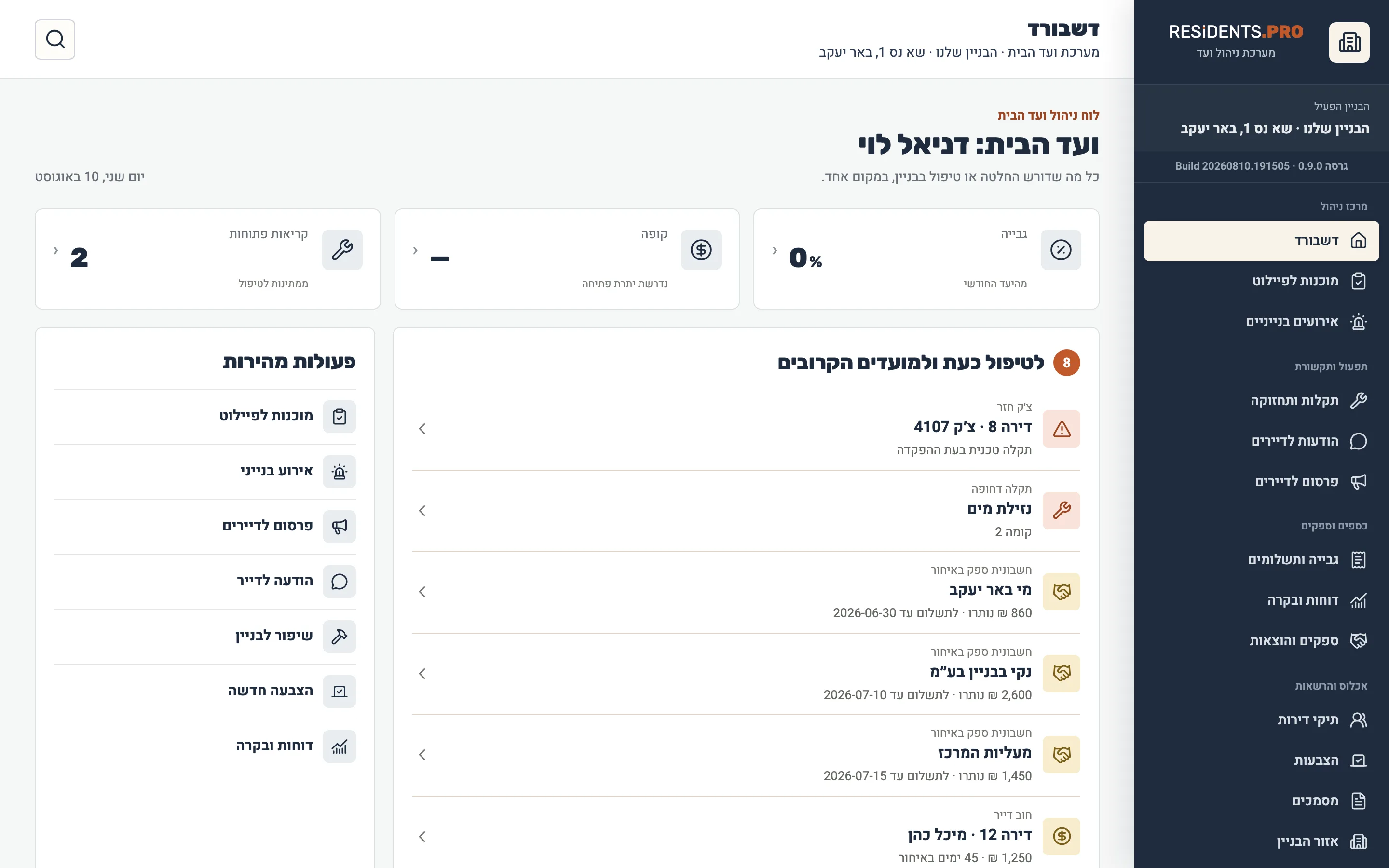
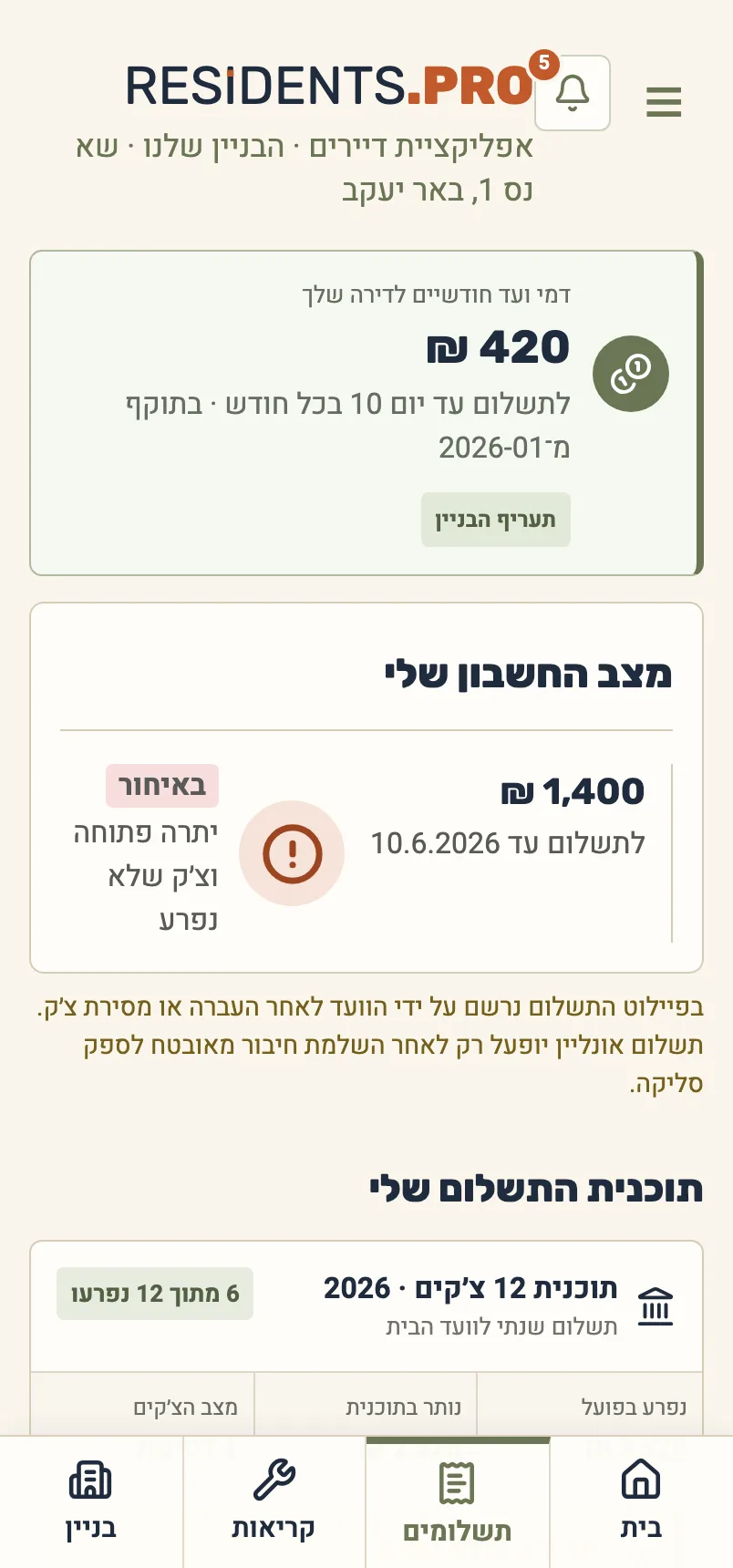
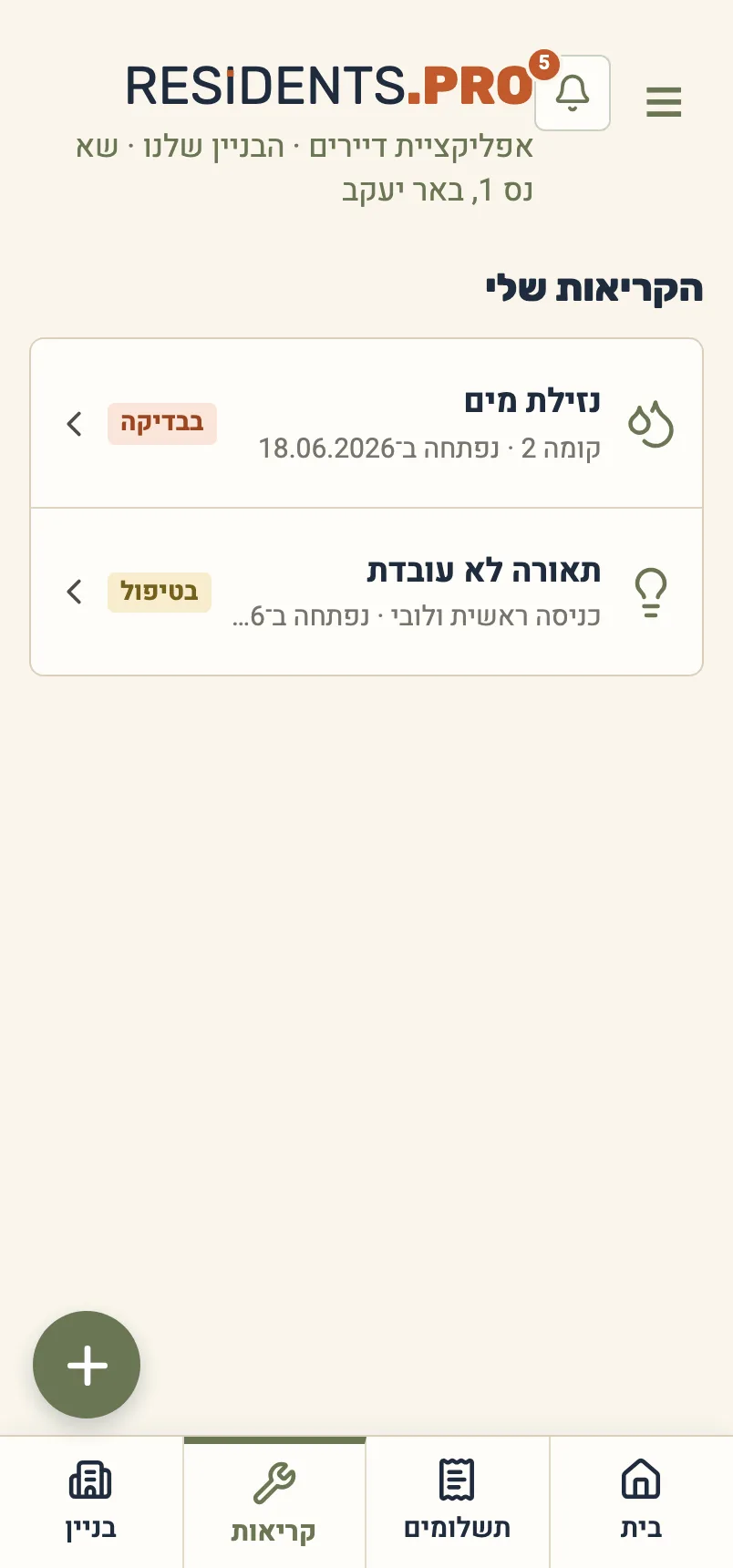
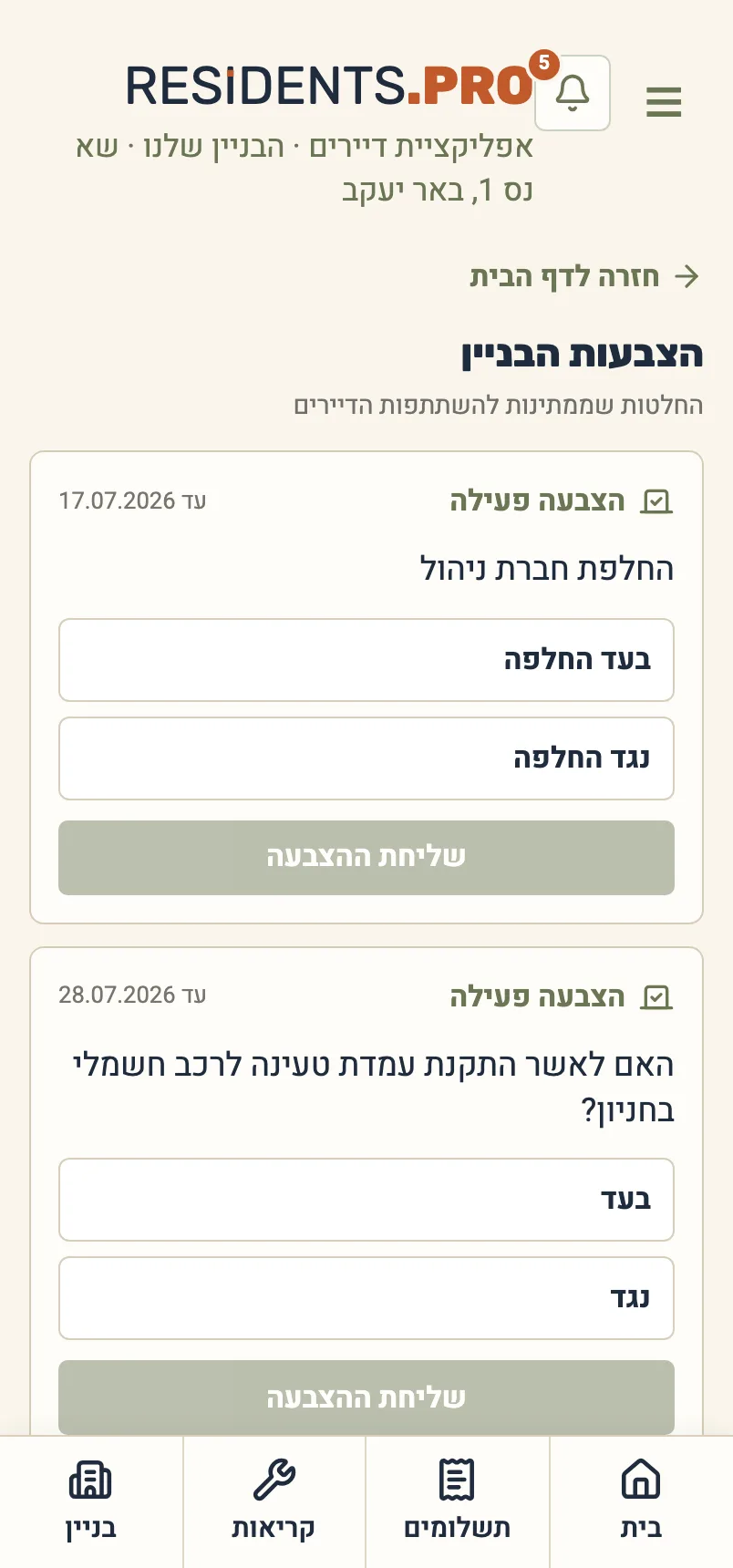
Two separate interfaces, one building. These are the real screens, on demo data.
6domains in one system
22hardened server services
100%money operations recorded
Every role gets its own screen, and every screen its own permissions.
Three principles the whole system runs on.
Every payment in and every expense out is documented. No arguing over who said what — it is all recorded.
Each resident sees only their own apartment; committee members see what running the building requires. Not everything is open to everyone.
Committee changes? The whole history, the vendor details and the documents stay in place and available.
- Create the building
Enter the address, the apartment count and the basics — the building is ready to work.
- Appoint the first committee
Send a personal invitation link to the first committee member and set their management rights.
- Invite the residents
Every apartment gets an invitation, and the system starts working.
Leave your details and we will get back to you — no need to create an account.
How do residents get in?
Through a personal invitation link the committee sends to the apartment. There is no open sign-up: an account is created only from an invitation, and only after the email is verified.
What does a resident see, and what does the committee see?
A resident sees only their own apartment — their payments, requests and votes. The committee sees what running the building requires. The separation is enforced on the server, not just on screen.
Is there anything to install?
No. It runs in the browser on phone and desktop, and can be added to the home screen like an app.
What happens when the committee changes?
Everything stays with the building — collection history, vendors, contracts and documents. There is no personal folder that leaves with whoever stood down.
What if a resident does not pay?
The debt shows in the apartment file and on the collection screen with the number of days overdue, and a reminder is sent from inside the system.
Can residents pay through the system?
It manages charges, payments and the treasury balance. Taking online payments is a separate connection, enabled on request.